
Cook iOS AppMobile
Your complete recipe companion for iPhone and iPad. Access your recipe collection anywhere, create shopping lists, and cook with step-by-step guidance.
What is the Cook iOS App?
The Cook iOS App brings your entire Cooklang recipe collection to your iPhone and iPad. It syncs seamlessly with your desktop recipes and provides a beautiful, touch-optimized interface for browsing, cooking, and shopping.
- Browse and search your entire recipe collection
- View rich recipe metadata with icons (servings, time, difficulty, cuisine, and more)
- Scale recipes up or down to adjust ingredient quantities
- Follow step-by-step cooking instructions
- Create and manage shopping lists from recipe ingredients
- Use built-in timers while cooking
- Sync recipes via iCloud, CookCloud, or local folders
- Works offline once synced
Key Features
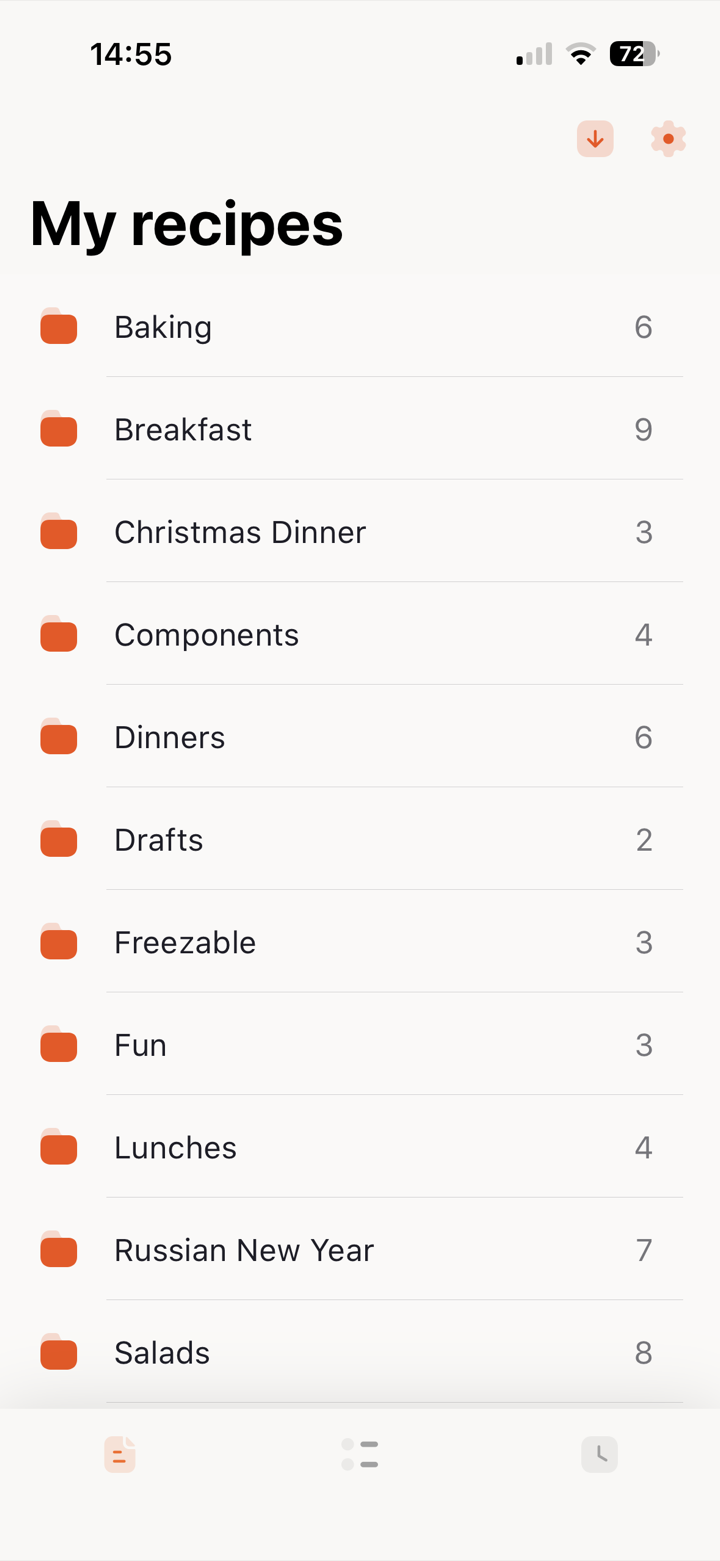
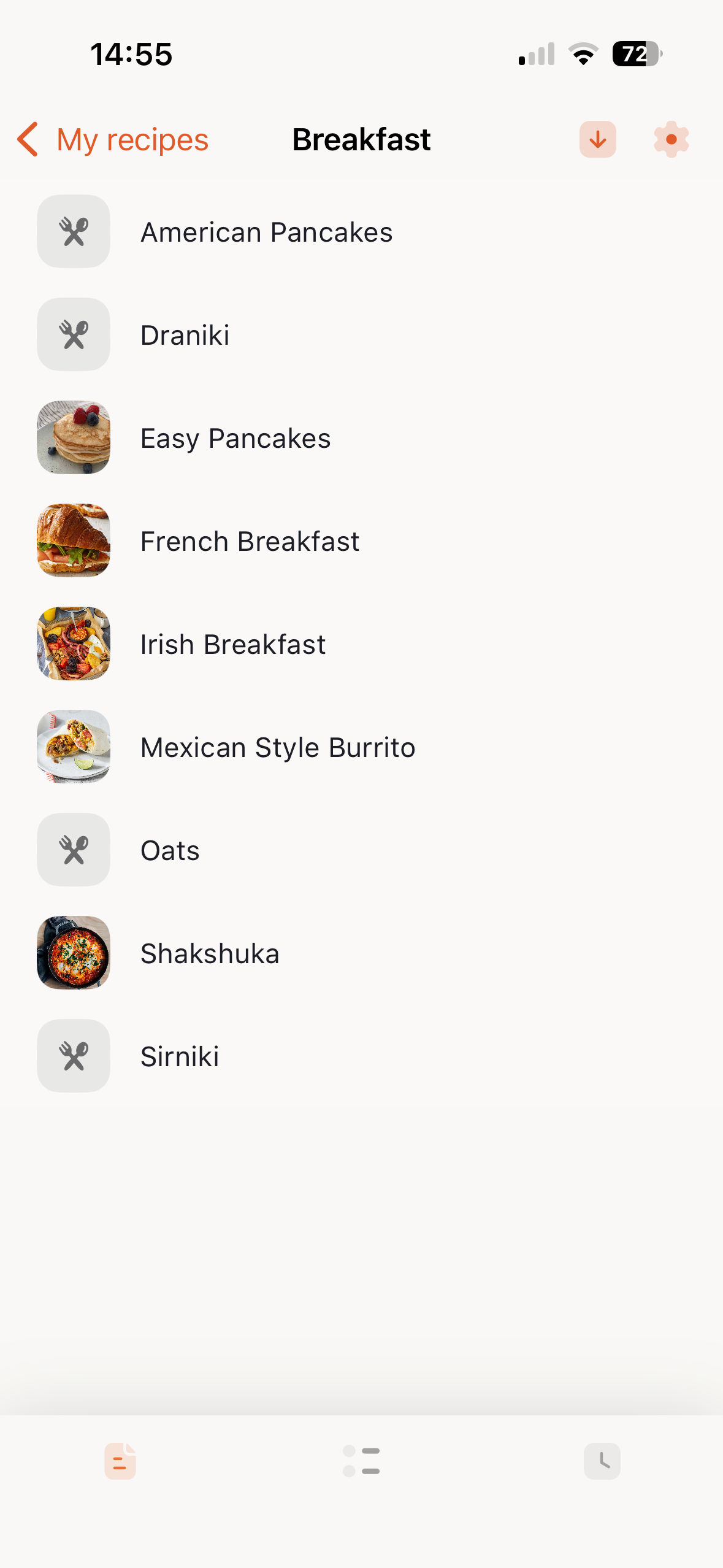
Recipe Browsing
Navigate through your recipes organized by folders. View recipe details including ingredients, cookware, and metadata.
Rich Metadata Display
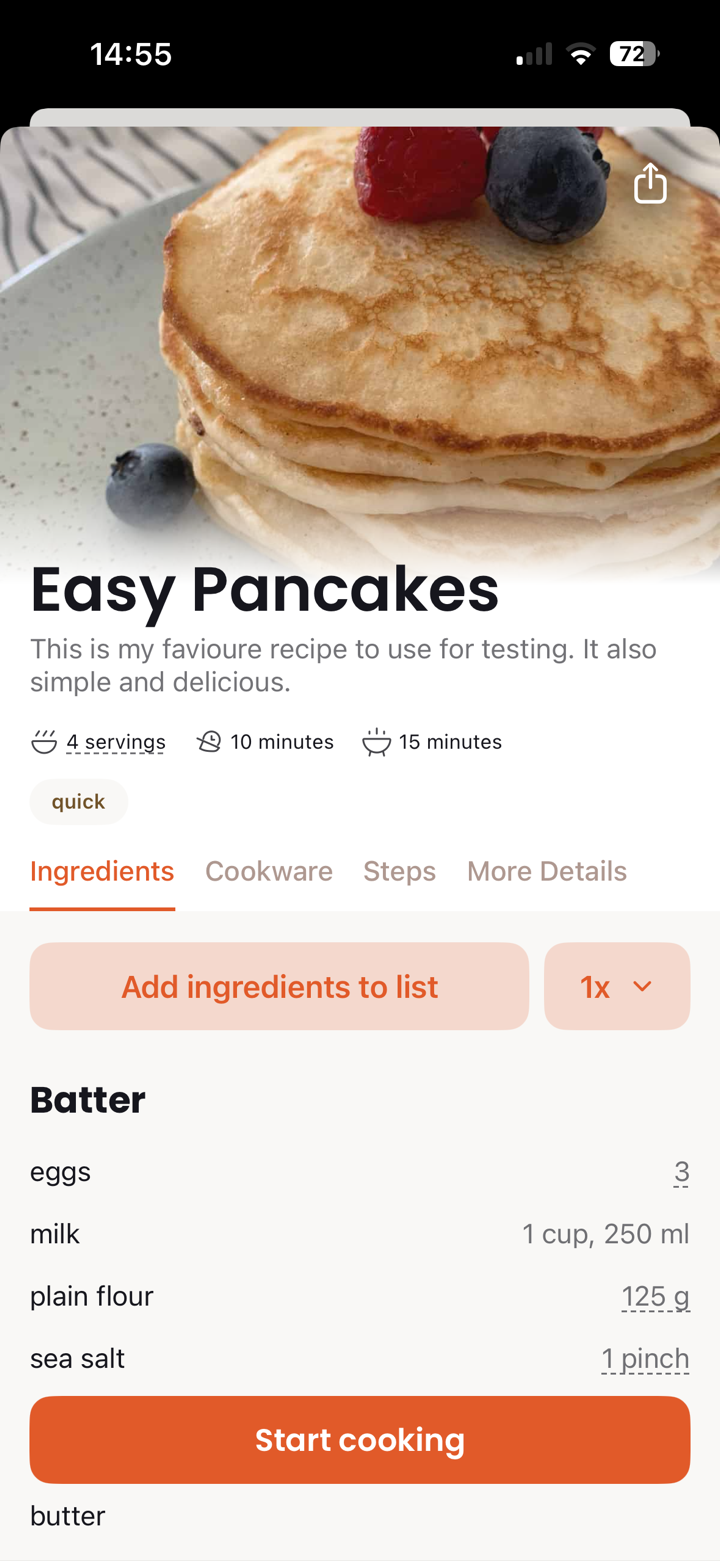
Recipe metadata is displayed prominently with intuitive icons. See at a glance:
- Servings - Number of portions the recipe makes
- Time - Total time, prep time, and cook time
- Difficulty - How challenging the recipe is
- Cuisine - The type of cuisine (Italian, Mexican, etc.)
- Course - Breakfast, lunch, dinner, dessert
- Diet - Dietary information (vegetarian, vegan, etc.)
- Author - Who created the recipe
Recipe Images
Beautiful recipe photos are displayed at the top of each recipe. Set the image in the YAML frontmatter of your recipe file. The image should be in the same folder as your recipe.
---
image: filename.jpg
---
You can also use a URL:
---
image: https://example.com/recipe-image.jpg
---
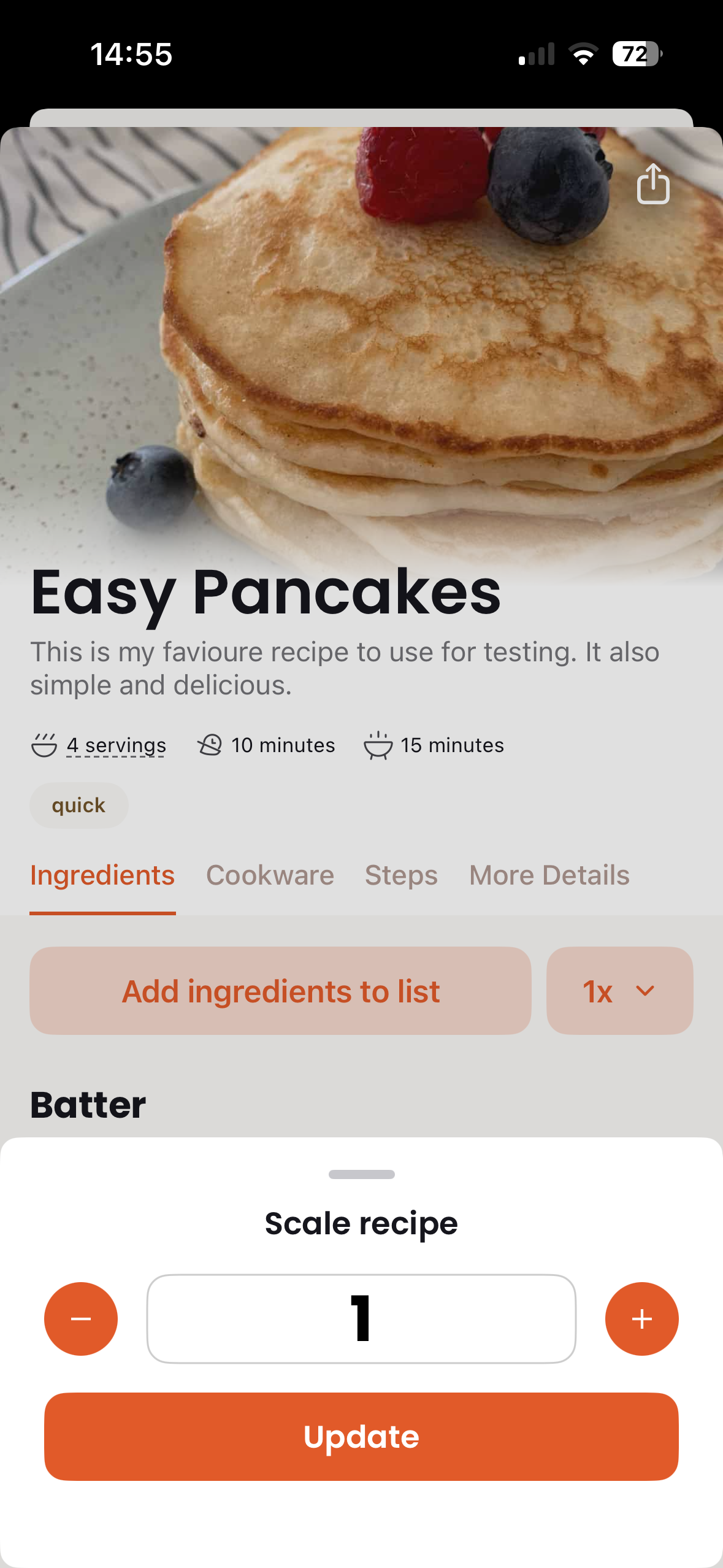
Recipe Scaling
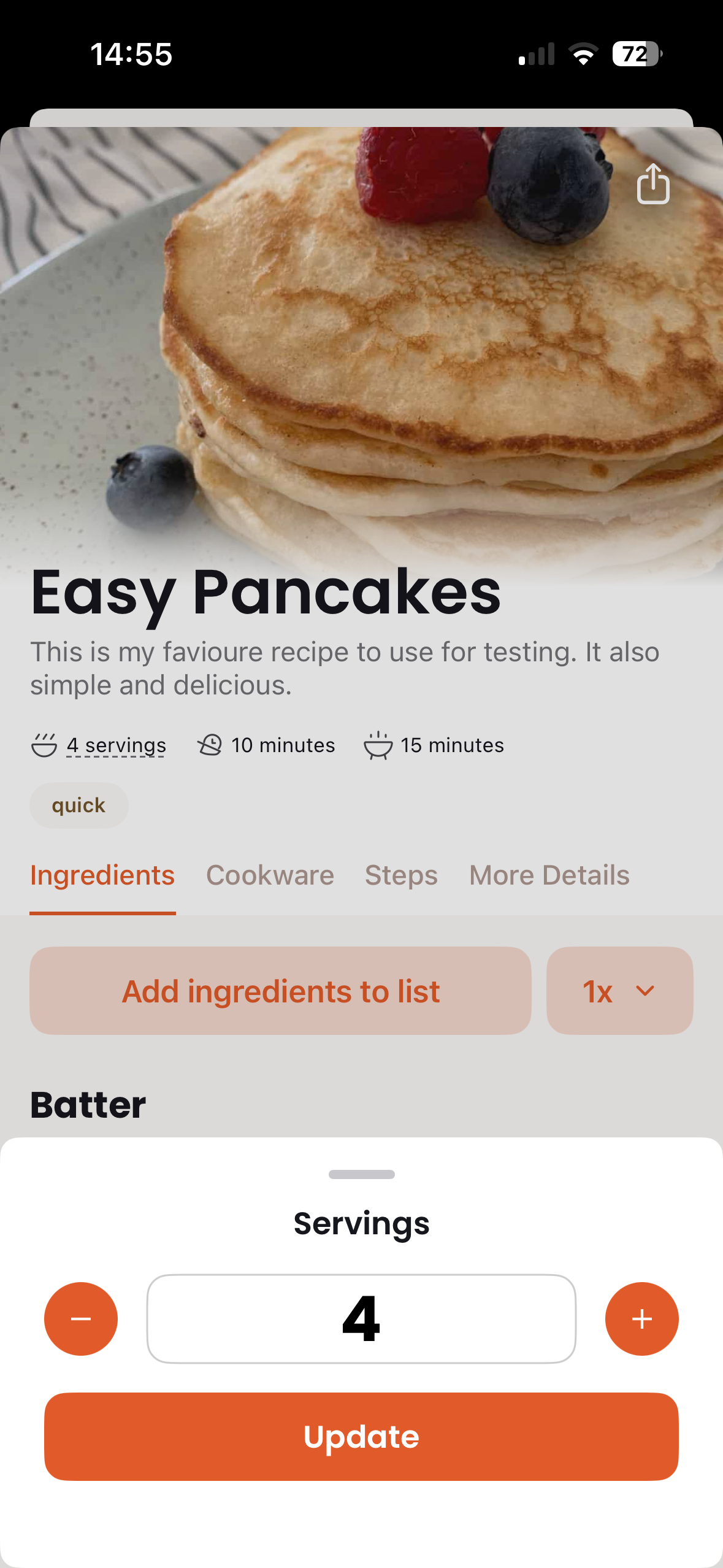
Easily adjust recipe quantities to cook for more or fewer people. Scale by a multiplier (2x, 0.5x) or set your desired number of servings. All ingredient quantities update automatically.
Step-by-Step Cooking
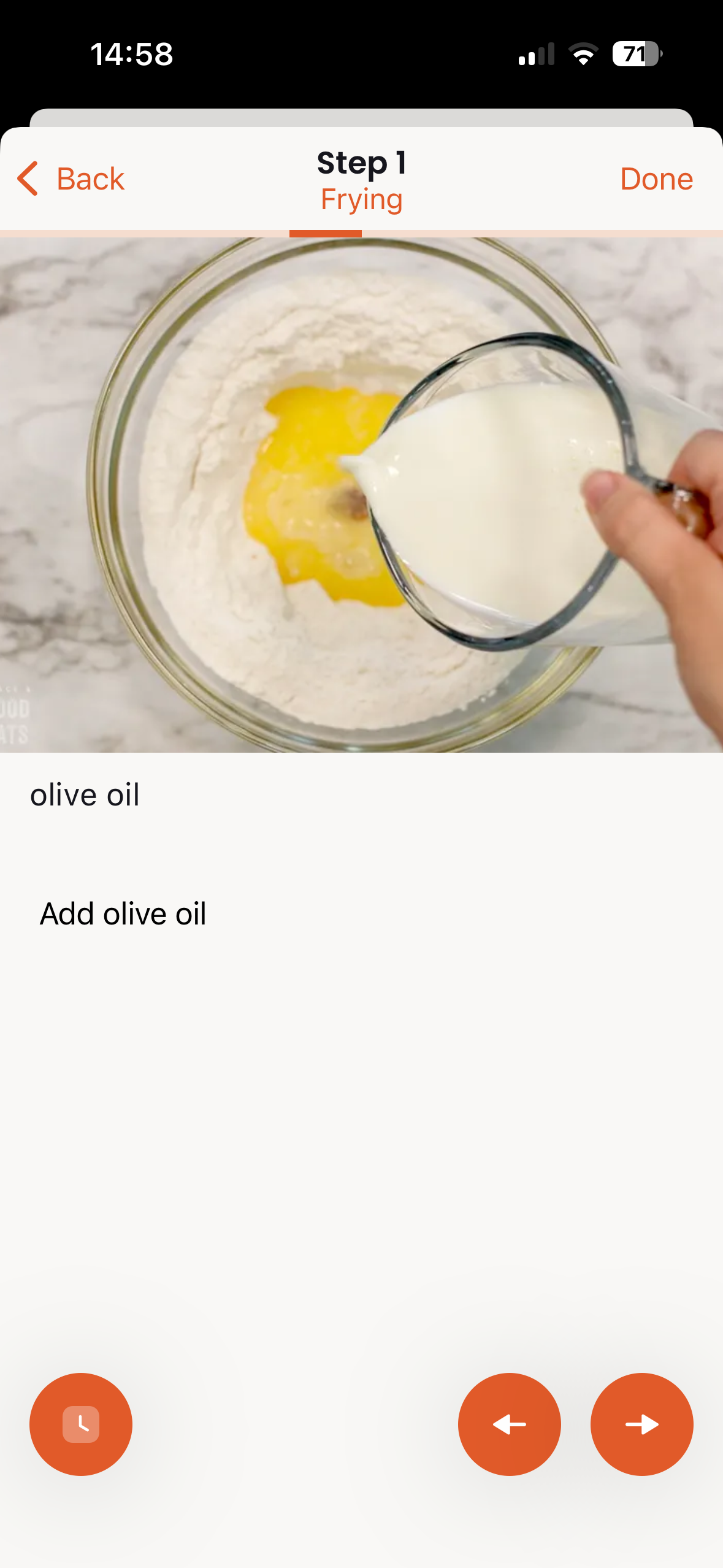
Follow recipes with a dedicated cooking mode that displays one step at a time. Large, easy-to-read text makes it perfect for following along while cooking. Swipe between steps to track your progress.
Smart Shopping Lists
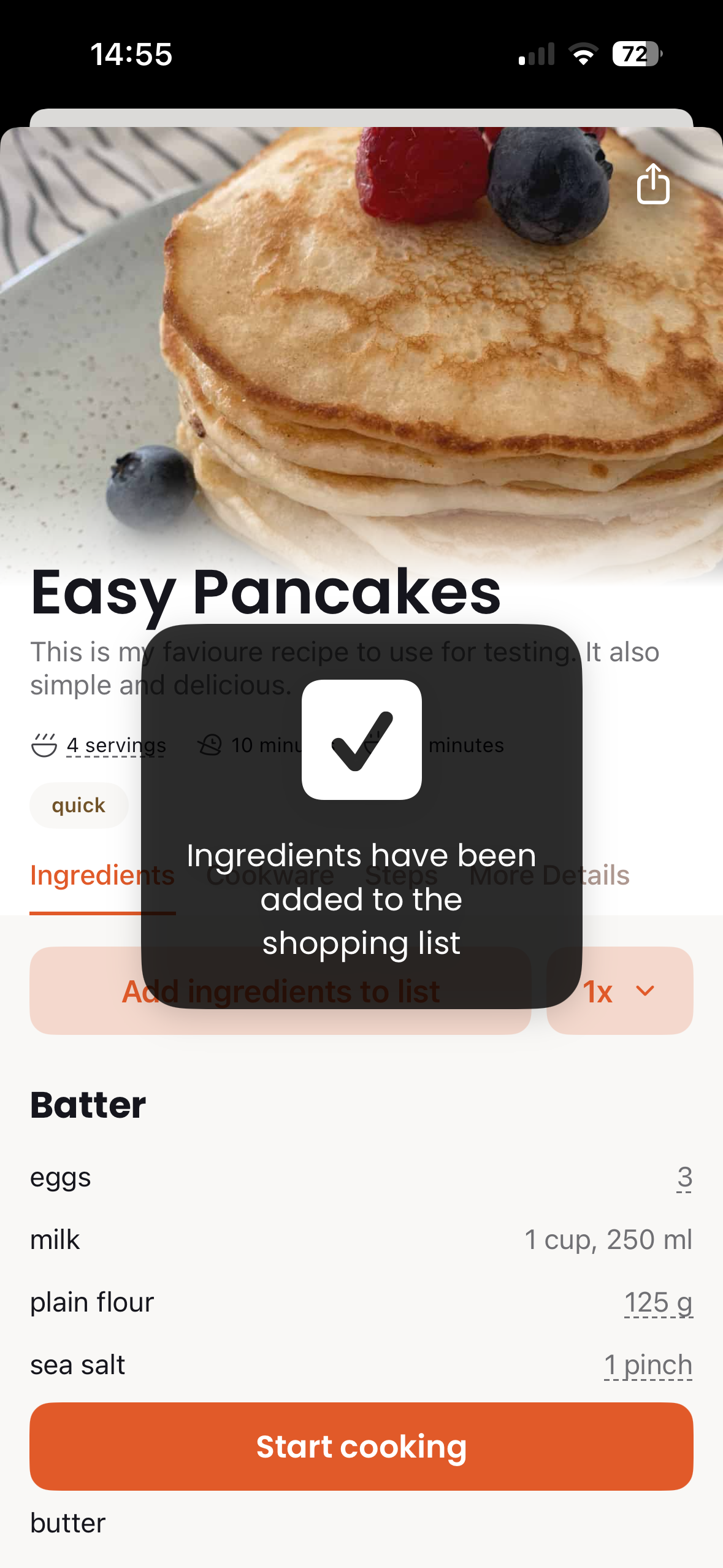
Generate shopping lists automatically from recipe ingredients. Items are organized by aisle for efficient shopping. Check off items as you shop and share lists with family members.
Built-in Timers
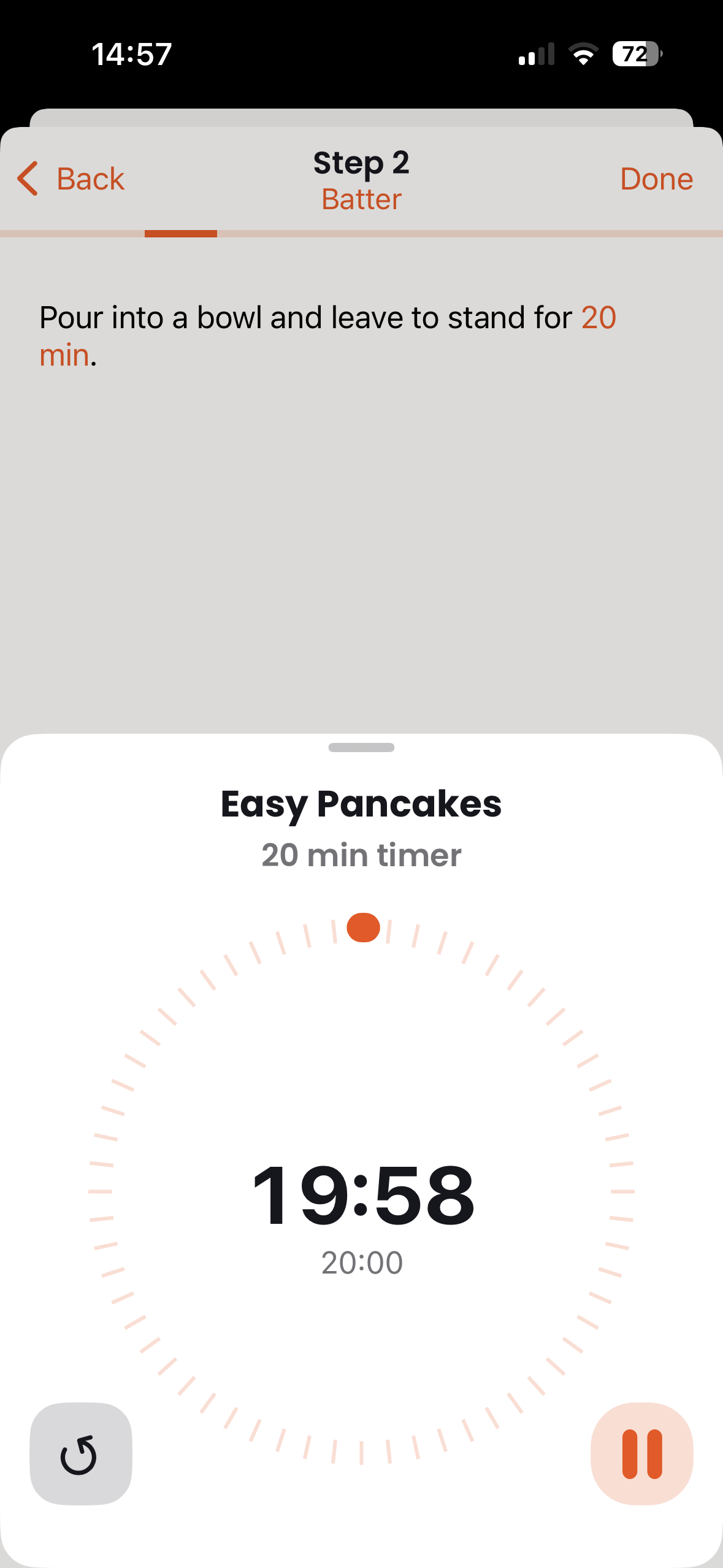
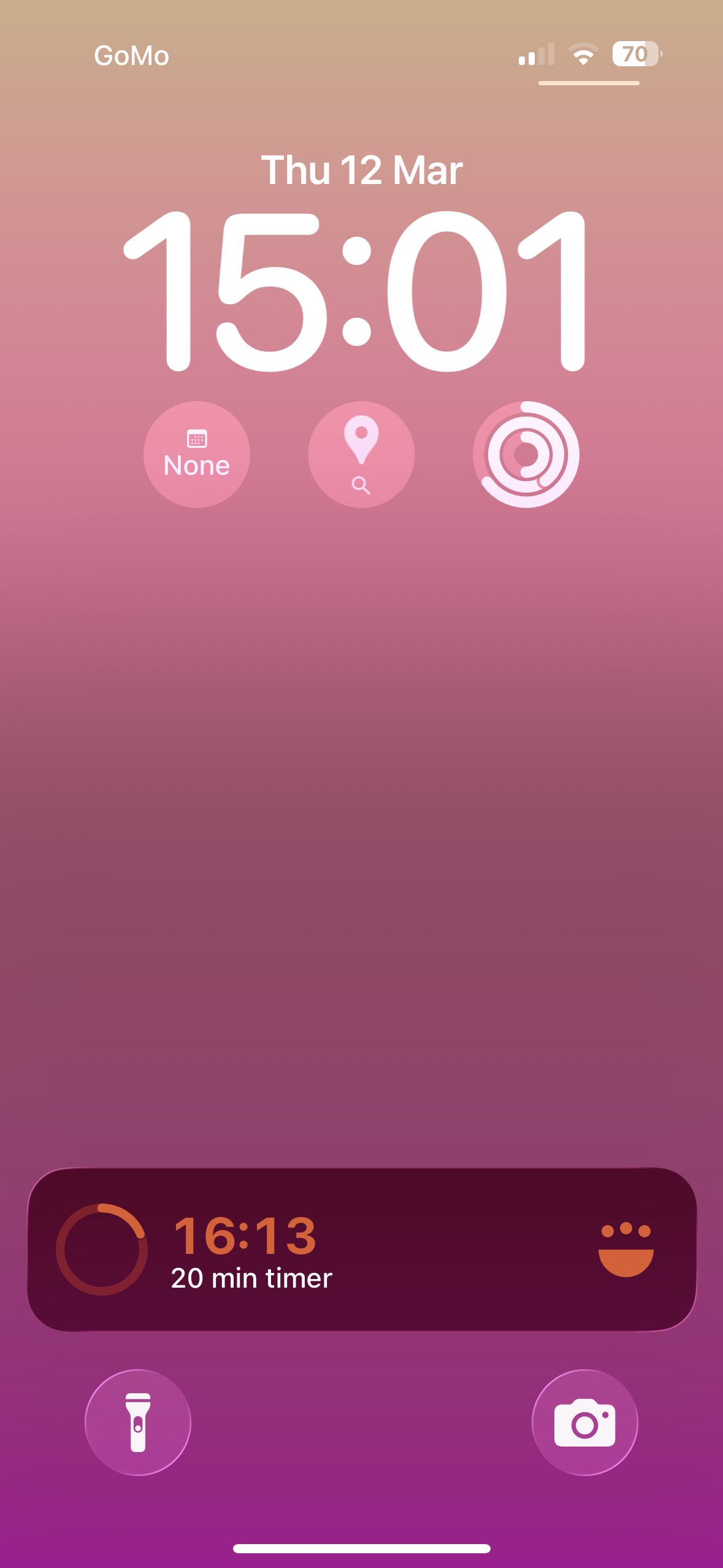
Set timers directly from recipe steps. Multiple timers can run simultaneously, and you'll receive notifications when they complete - even if the app is in the background.
Offline Support
Once your recipes are synced, they're available offline. Perfect for cooking in areas with poor connectivity or when you don't want distractions.
Perfect for: Home cooks who want their recipe collection on the go, meal preppers planning weekly batches, and anyone who prefers step-by-step guidance while cooking.
Sync Options
The iOS app offers three ways to sync your recipes:
CookCloud
Our cloud-based sync service. Create a free account and your recipes sync automatically between all your devices. This is the recommended option for most users.
iCloud Drive
Store recipes in your iCloud Drive and sync across Apple devices. Great if you prefer to keep everything within the Apple ecosystem.
Local Folders
Access recipes from a folder on your device. Useful for testing or when you want to manage files manually.
Tip: CookCloud is the easiest option and works across all platforms, including non-Apple devices.
Requirements
- iOS 15.0 or later
- iPhone or iPad
- Internet connection for initial sync and CookCloud features
- iCloud account (optional, for iCloud Drive sync)
Ready to get started? Check out the Getting Started page for setup instructions, or jump to Using the App to learn about all the features.